WordPress on DigitalOcean

Author: headless_sync

  • IP Cameras

    Wireless Indoor Cameras

    Indoor cameras allow you to keep a constant eye on your home from wherever you are. You can view a range up to 50 feet and can see activity in the dark. Not much more than a broadband network is needed to let indoor cameras connect wirelessly.

    Ideally you want to place an indoor camera in a large room or hallway to maximize the indoor camera’s range. They are not meant to be used outdoors.
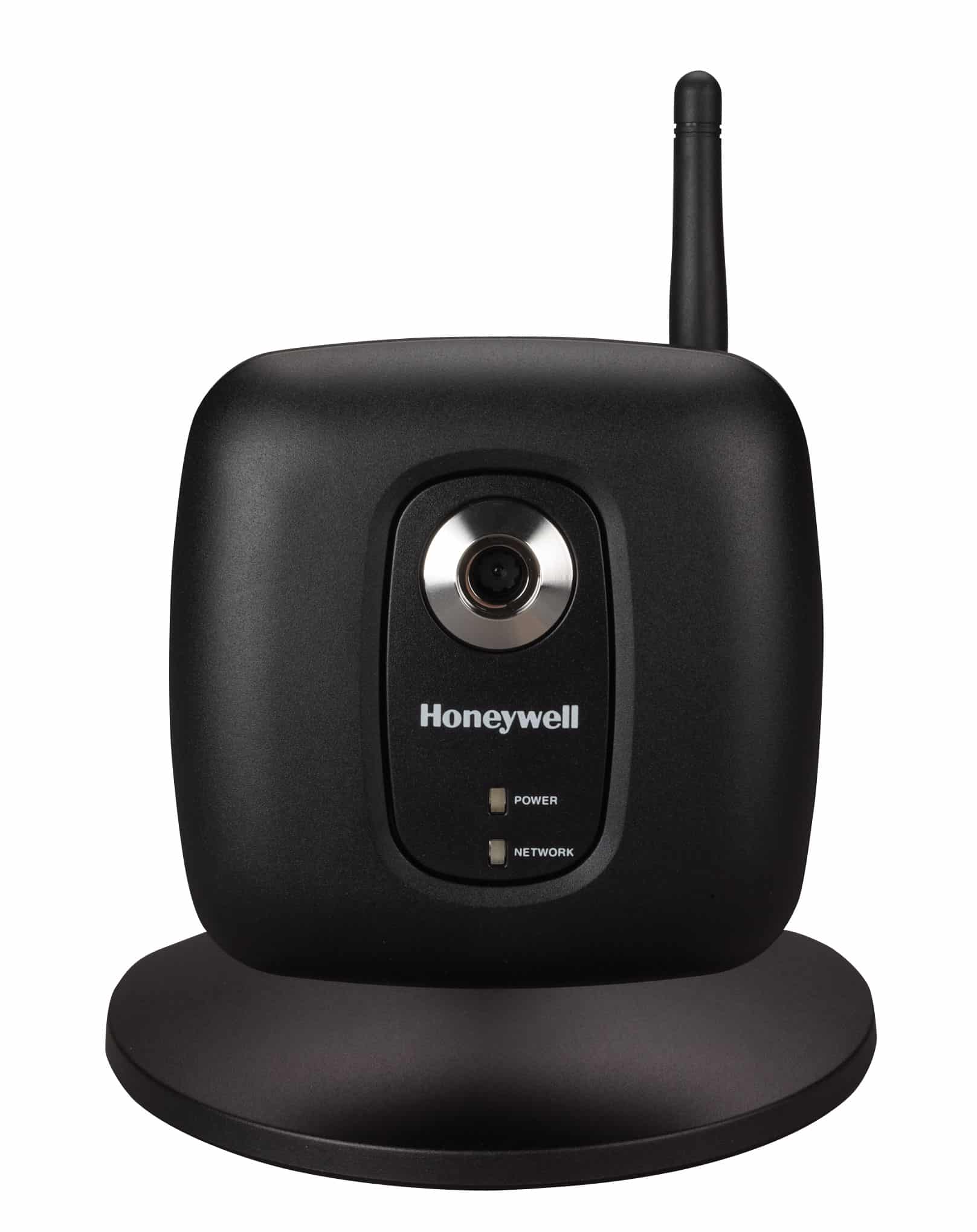
    iPCAM_WI2B

    PTZ Cameras

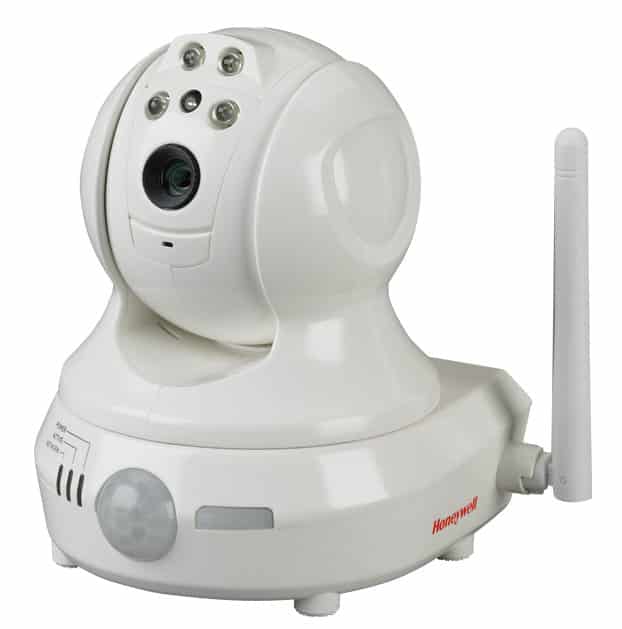
    The pan, tilt, zoom camera is an indoor camera with a greater range of view than the indoor camera. You can control it to maximize the field of view by panning, tilting, and zooming.

    Ideally you want to place the PTZ Camera in larger rooms that require a greater field of view to see them in their entirety. Again, the PTZ Camera is not meant to be used outside.
    IPCAMPT_w_Channel_hi

    Wireless Outdoor Camera 

    The real advantage of an outdoor camera is that they are weatherproof and withstands winter and summer temperatures. The primary function is to provide video surveillance of the exterior areas of your property. Some can also see in the dark up to 40 feet.

    Ideally you want to place an Outdoor Wireless Camera in your backyard, driveway or sidewalk leading to your front door. It is unnecessary for indoor uses.

    One of our security consultants can talk to you about the camera that is right for your security plan. Call 1-800-265-5317 or JUST CLICK HERE.

  • Outline for your Escape plan

    Outline for your Escape plan

    The nature of fires, and the way they spread, makes it hard to know when or where they will happen. That’s why it’s important to develop an escape plan. Make sure the whole family is familiar with the plan and practices it regularly.

    Flames

    DON’T JUMP OUT OF BED. If you wake up to a fire, do not jump right out of bed. Heat gets more intense the further you are from the floor. Instead, roll out of bed and onto the floor.

    CRAWL TO THE DOOR. Crawl to the bedroom door and touch it first BEFORE opening it to see if it is hot. If it’s too hot, use your alternate escape route.

    TRY THE DOOR. If it’s not too hot to touch, open the door about 2 inches. Hold it firmly so that any air pressure does not force it open too quickly. If the air behind the door is warm, do not use the hallway. Pull the door shut and use your alternate escape route.

    INSTRUCT YOUR CHILDREN. Shout to your children to stay in their rooms with the doors closed. Remind to open a window no more than three inches Remind them to stay by the window to breath in the fresh air.

    HOW TO CRAWL TO SAFETY. If you are able to crawl to safety through the hall, be sure to keep your head a few feet off the floor. Cover your nose and mouth with a damp cloth.

    KEEP A LADDER CLOSE BY. Have a sturdy ladder that can reach second story windows. Be sure to keep it in a place that is secure from burglars.

    NEVER JUMP OUT OF A WINDOW IN A PANIC. A hasty jump may cause injury. Remain calm. If you must escape through a window without a ladder, hang by hands from the sill to lessen the fall.

    PLAN AHEAD. Work out a primary and alternate escape route for each member of your member. Review your plans regularly.

    CFAA-Logo

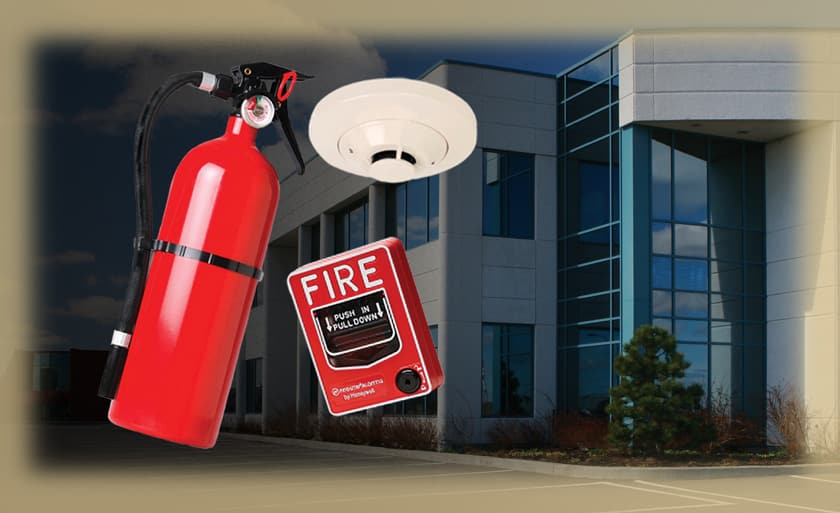
    Security ONE’s Fire & Life Safety division offers fire monitoring devices, inspections, and monitoring for your business as well. To add a monitored smoke detector to your security system call 1-800-265-5317 or JUST CLICK HERE.

  • Summer Safety Tips

    Summer Safety Tips

    Summer breezes and family time are what this time of year is all about. With that in mind there some safety tips that you need to keep in mind.

    • Keep doors in your home closed and locked including your garage doors. An open door is an invitation.

    • Be a good neighbour and alert police to any unusual or suspicious activity in your community.

    • Plan for vacations by having your mail and newspapers stopped or having a friend pick them up. Leave inside lights on timers to create the impression that your house is occupied. Be sure to set your alarm system. Have a lawn service or neighbour mow your lawn.

    summer-fun

    • Avoid home improvement scams and deception burglaries by taking a pro-active approach. Be particularly alert to anyone in your neighbourhood looking to perform home repairs and asking to gain entry into your home. Ask to see identification and let them know you are going to call and get verification from their company before allowing them inside. If they are legitimate, they won’t mind the wait.

    • Ensure sheds are also secure this summer by installing enhanced locks. Many of us don’t consider the shed or garage when looking at home security; however the items they contain are often very expensive, items like lawnmowers and power tools and often targeted by thieves.

    • Consideration should also be given to installing a security alarm, cameras or sensor lights. Any of these could enhance home security and deter thieves.

    To learn more about our camera and outdoor contact solutions, call 1-800-265-5317 or JUST CLICK HERE.

  • Security ONE Career Fair – July 11th

    Security ONE Career Fair – July 11th

    About Security ONE
    Security ONE is the fastest growing full-service home automation and monitoring company in Southwestern Ontario. The firm is comprised of highly experienced executives with years of experience in consulting and business development. Security ONE is a dynamic and fun organization that is particularly well suited for individuals looking for an entrepreneurial culture where they will have the opportunity to work closely with senior members of the firm and provide valuable input.

    security one career 3x100

    Career Fair Dates
    July 11th from 8:00am-11:00am and 3:00pm-6:00pm.
    Address: 200 Sherk St., Leamington Ontario

  • IP Cameras

    IP Cameras

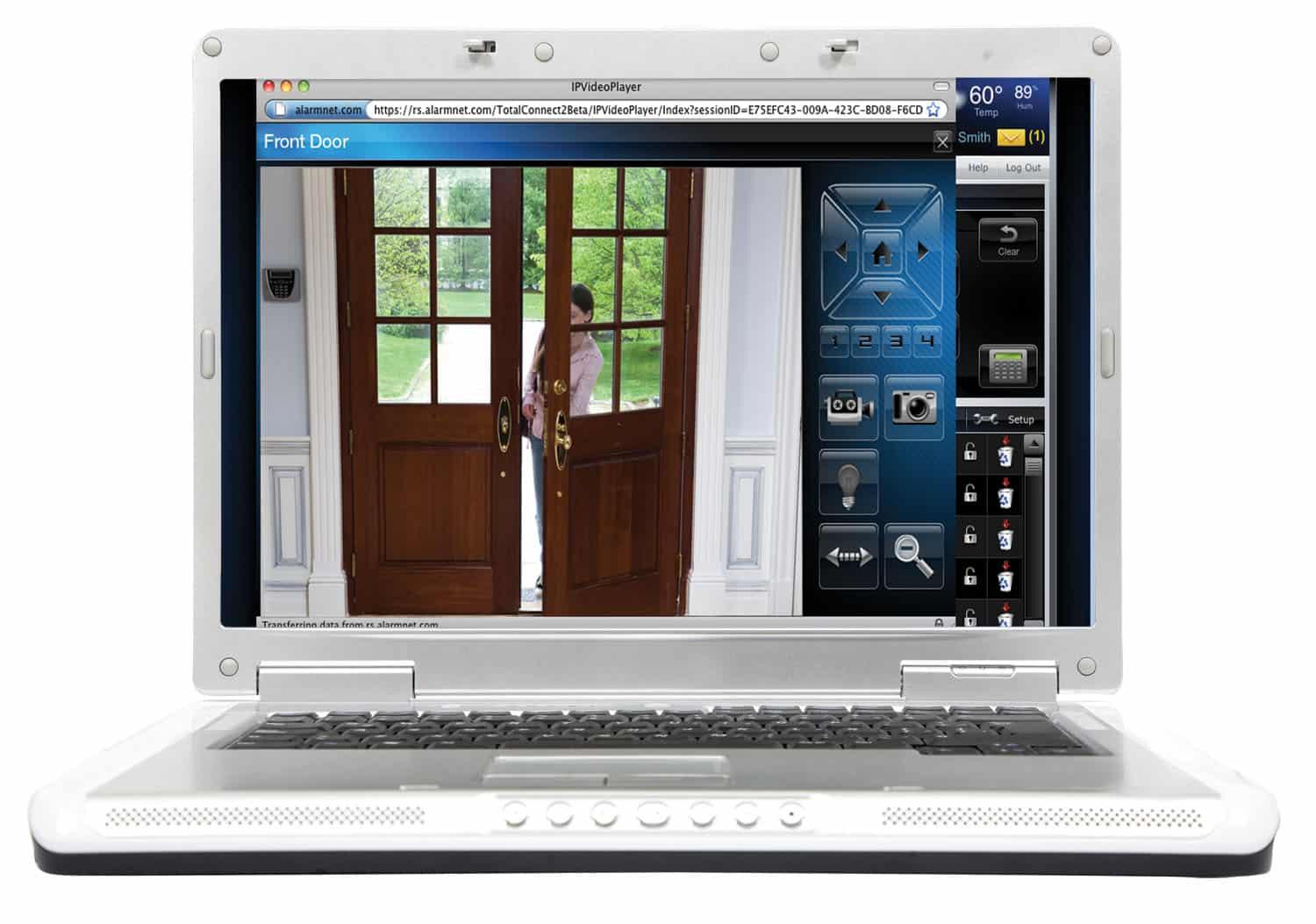
    A great feature of Security ONE’s home automation system is video surveillance. With an IP camera and our award-winning app, Total Connect from Honeywell, you can view a live video of your home at anytime from anywhere.

    SBEXRF-00010510-001

    When considering indoor video surveillance there two camera types you need to know about: the fixed camera, and pan-tilt-zoom (or PTZ) camera.

    The PTZ camera is a little more advanced and gives better functionality and freedom. The camera lets you move it around, zoom in and out, and see multiple angles of the room it is in. Because it’s an IP address camera, you can see it from an internet browser – including your smart phone or tablet.

    All that may sound complicated, but nothing could be easier. The cameras, whether fixed or PTZ, connect right into a wireless router, and only needs to plugged into an outlet to work.


    iPhone4_Warehouse Alarm

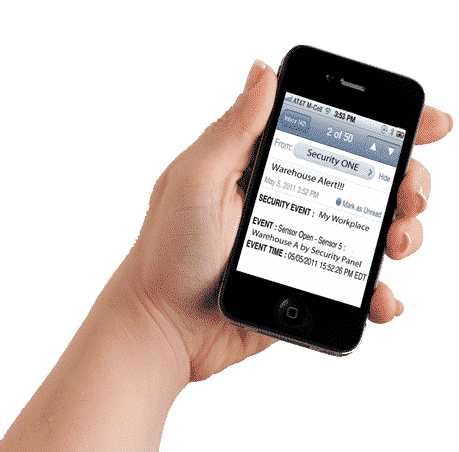
    Our cameras have fast frame rates work well in low light conditions. Not only can you view them in real time, they record clips whenever motion is detected in front of them. You can then have text messages or emails sent to you whenever a new clip has been recorded.

    To learn more about our IP cameras and the Total Connect app, call 1-800-265-5317 today, or JUST CLICK HERE.

  • Being Safe

    Being Safe

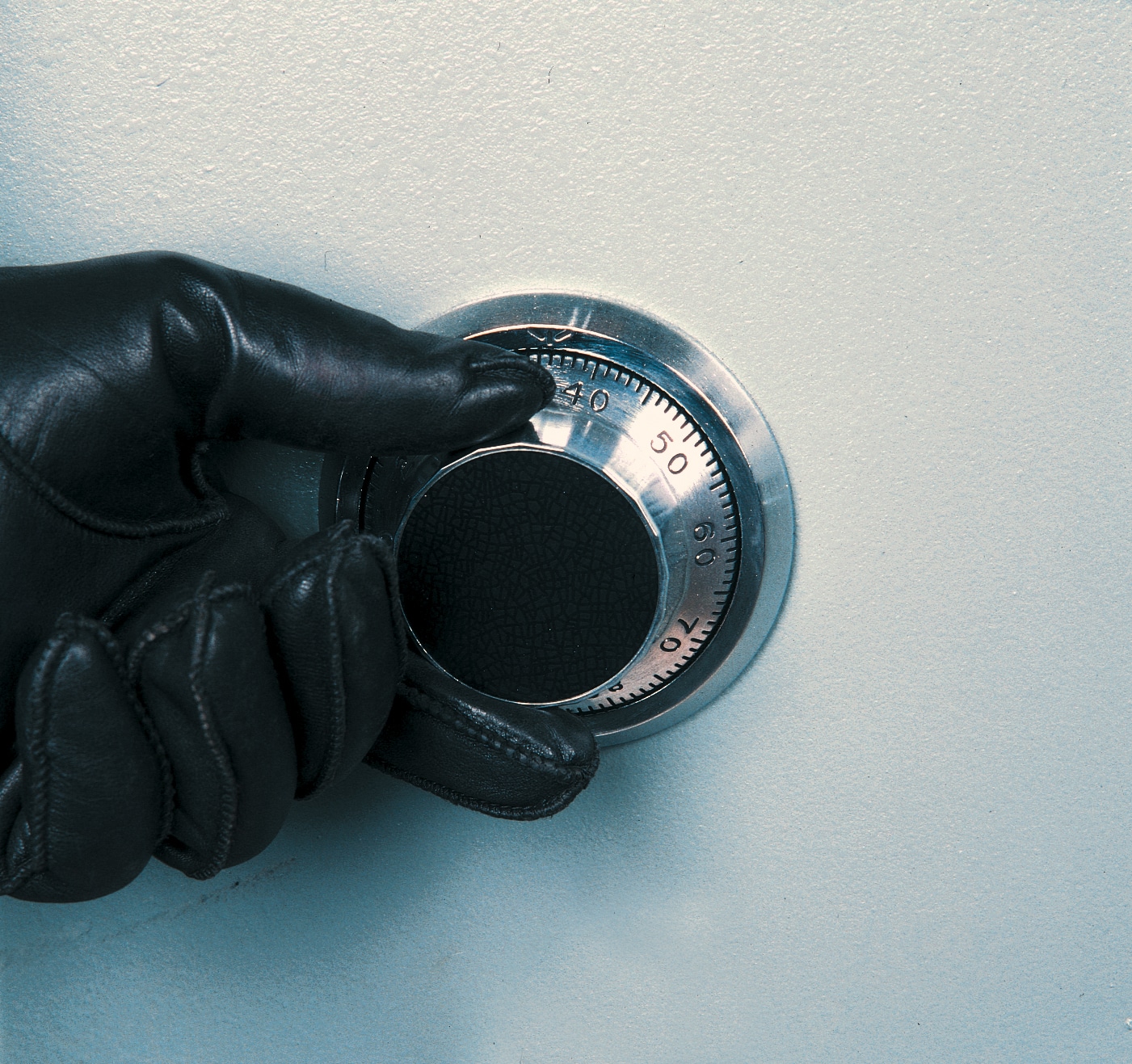
    Consider getting a safe. Not the most exciting purchase you’ll ever make, I’ll give you that – but it may just give you a new found peace of mind once you start using it.

    As always there a few choices on the market: the traditional in-home fireproof box and the popular safe deposit box. What’s the difference?

    A Safe Deposit Box is inside a bank. It is fire safe, waterproof, and creates an off-site disaster recovery plan. The items inside are legally protected in the event of death. On the other hand, you are subject to “banker’s hours”  as to when you can access it, and naturally comes with an annual fee.

    A Fireproof Box is super convenient way to protect sensitive items in your home. Further, you have 24 hour access to them. They can be mounted to floors or walls for added security, but has its limitations. Most of these type of safe are water resistant, not waterproof. Be conscious of the fire rating, as items could still be burned or damaged in a fire.

    Use a Firebox for protecting sensitive items in your home that you may need access to from time to time such as passports or wills. Use the Safe Deposit Box for items you need to keep safe, but won’t always need immediate access to such as photographs, jewelry or digital backups.

    There are positives and negatives for both options, but ultimately it comes down to what you are protecting and what works best for you.

  • The Big Bike

     The Big Bike came back to town and Security ONE went for the ride. For the third year in a row, The Security ONE team got together for a fun community fundraiser, in support of the Heart and Stroke Foundation.

    The Heart and Stroke Big Bike seats 29 riders – at the same time! Racing through town, the Big Bike is steered by an expert driver, but powered by the participants.

    DSCF9343

    With 16 of wonderful staff members on board the Big Bike, we raised nearly $1500 for the Heart and Stroke Foundation, our best effort to date!

    The Heart and Stroke Foundation helps provide Canadians with the tools, resources and initiatives to help reduce the risk factors of heart and stroke disease.

    A multiple Community Service Award winner in Honeywell’s First Alert Dealer program, Security ONE is committed to giving back to the communities we serve.

    DSCF9346

  • Tidy Up Your Cords

    Wireless technology is pretty much everywhere now, but unless you’ve got an “in” with Duracell, you still need to plug all your devices, equipment, and electronics in. So how do you deal with the inevitable mess of cords? Whether it’s at your desk, your entertainment center or bedside table, those cords just seem to continue assembling.

    Here are some crafty, do-it-yourself ways of tidying up those cords – and hopefully organize them easier as well:

    Wire clip

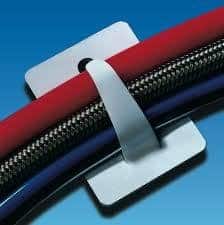
    • Flag labels: Available at almost any office product isle, label flags are handy little stickers that wrap around an object and create a virtual flag when the tabs are pressed together. The great thing about these labels is that you can write the name of the component on the flag so you don’t have to follow it to where it is plugged in.
    • File folder clips: Also available in almost every office supply isle, these are especially great for keeping track of smartphone or tablet charging cord. All you do is snap the clip to the side of your desk or shelf with the cord hanging out.
    • Bread bag tabs: From the pages of Pintrest, and in the spirit of reduce, reuse or repurpose, save the tabs from your bread bags when you’re done with the loaf. They are surprisingly easy to snap a couple of cords into, and like the flag labels, allow you to write the name of the component on them.

    To learn more about how you can go wireless with your security system, call 1-800-265-5317 or JUST CLICK HERE.

     

  • Mobile Kids

    Mobile Kids

    Doesn’t it make you feel OLD when grade school children know more about tablets, handheld smart devices, apps – and technology in general than you do?

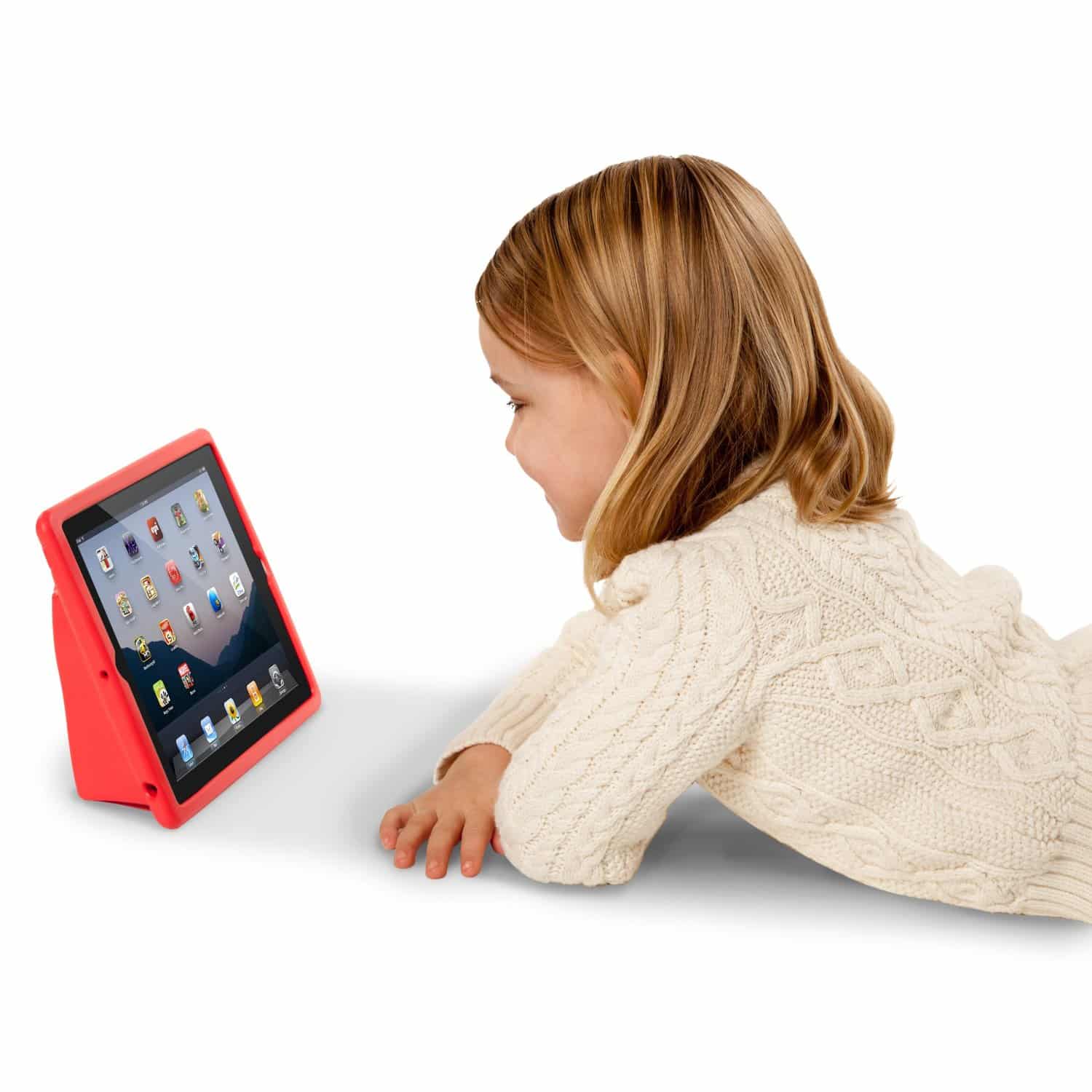
    When the first generation of tablets came out 4 or 5 years ago, they were not intended for children, let alone toddlers, but that’s what happened. Children in elementary schools are given tablets to work and learn on, while tech-savvy parents are giving them to toddlers at home as early development tools.

    Kid with ipad

    Here some tablets manufactured specifically for children:

    • Samsung
    • Kurio
    • Leapfrog
    • Kindle Fire
    • Hudl

    And, you guessed it. That has caused an incredible demand for kid-apps for educational, creative, and just plain fun purposes. Literally hundreds of Apps exist for kids. Whether you prefer to download free (“lite”) versions or paid versions (without the pop up ads), your kids can be just as mobile as you are, and the results will prepare them for whatever technological advances that happen in the future.

    To learn more about how you can go mobile with our app for your security system, Total Connect, call 1-800-265-5317 or JUST CLICK HERE. It’s so user friendly that your kids won’t even have to show you how to use it!

  • Making Systems Easy

    Making Systems Easy

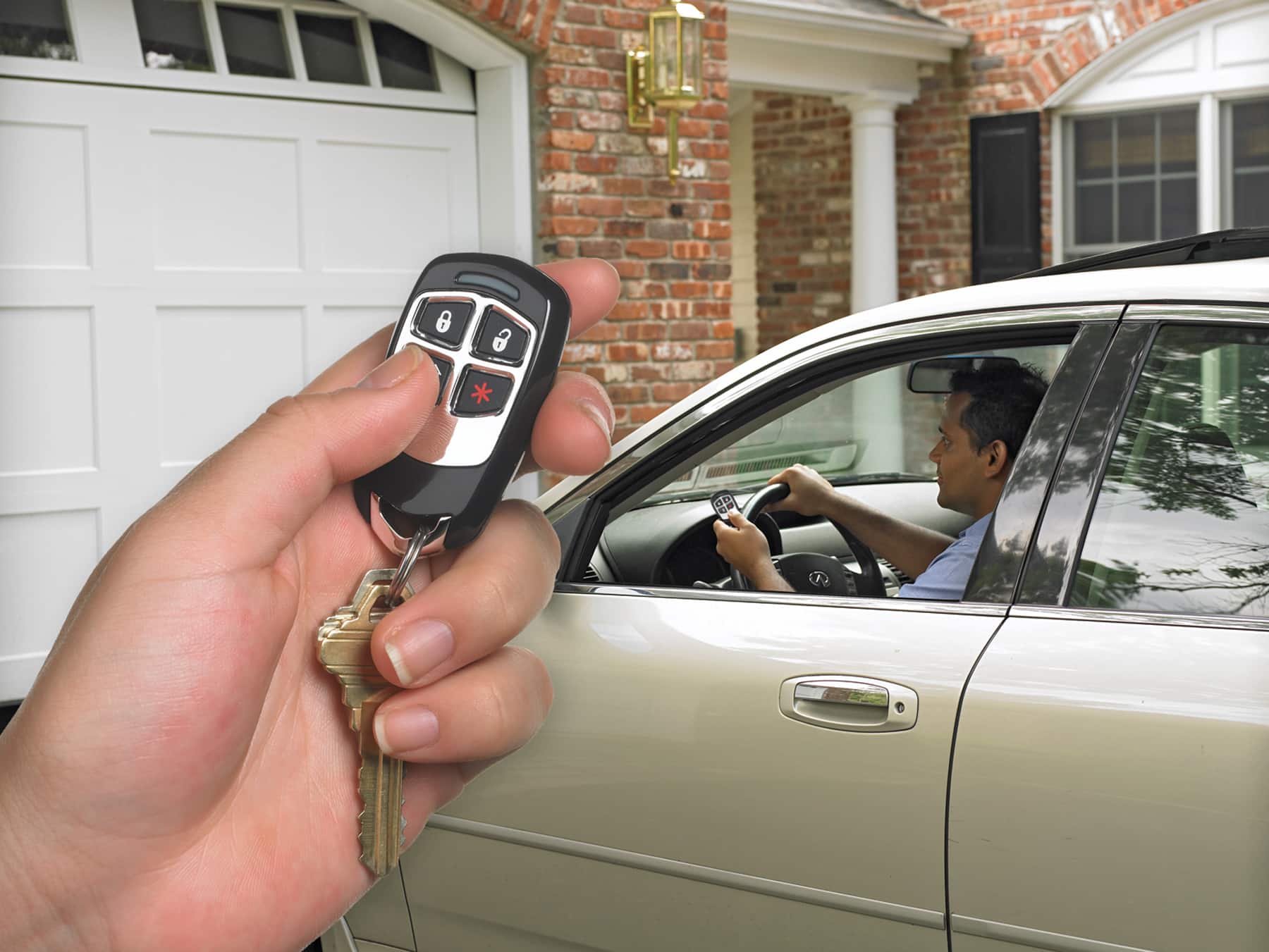
    Using your security system is as Easy as a Sunday Morning! And the easiest way to use it is with a remote entry keyfob. Like you car’s keyfob, it is programmed to work with your system – and your system alone. Using the keyfob uses a one-and-you’re-done button to arm and disarm the system.  Perfect for when you’re in a rush, bringing in the groceries, or to give to the kids so they don’t have to fuss with the keypad or remember codes.

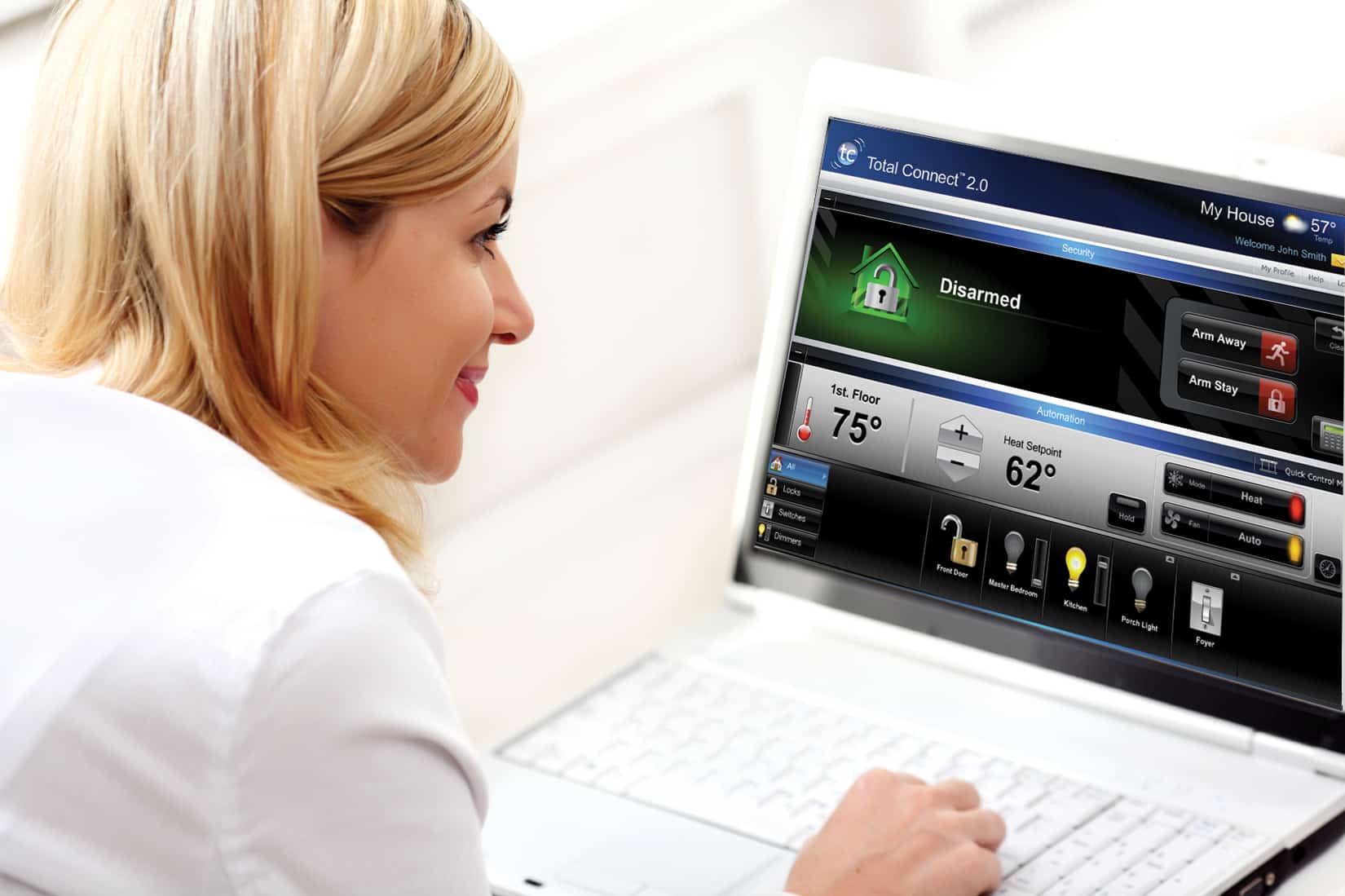
    Like with many other devices in our daily lives, smartphones take this concept to next level. With our handy Total Connect app on your mobile device, you may never manually arm or disarm your system again! This is particularly helpful if you have a moment of worry during your day where you can’t remember if you set the alarm or not. It also acts as your virtual keyfob, for when you come home. But what it better is that the keyfob only works when its in range of the system. The app will work wherever you are in the world.

    Girl with laptop in her home.

    Now, if you’re not as attached to your smartphone as many of us are, the app, and therefore your system, is fully accessible from any computer or laptop. To put it simply, if you have the internet, you can access the app and access your system.

    No matter what you use – your smartphone, tablet, PC, laptop or good old fashioned keypad on the system itself, make it a priority to arm your security system every single time. The whole reason you installed a security system in the first place was to protect your home, your family, your belongings, and to give yourself peace of mind. Even the best security system is worthless if it’s not being used.

    To learn more about accessing your security system more easily with a keyfob or our Total Connect app, call 1-800-265-5317 or JUST CLICK HERE.